%20-%20EN.png)

Preparing for and following up on a session
From preparing your training to monitoring the results of your shooters.


Access your workouts

Calendar
From the homepage, open "Calendar" to find and prepare your workouts.

Create a new session
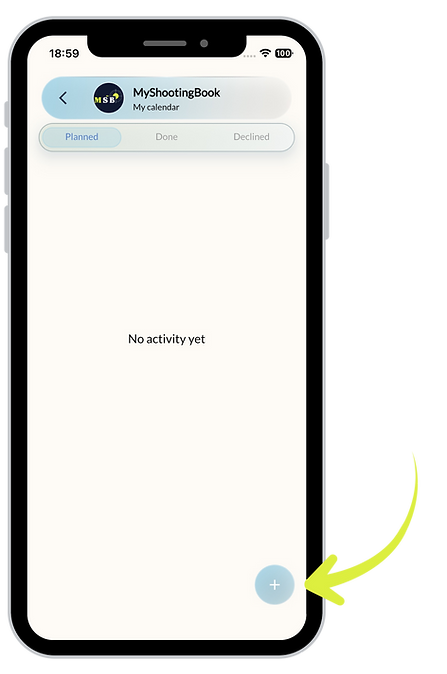
New session
Use the "+" button to create a
new activity.

Provide session details

Regular sessions?
Use frequency to automatically create your recurring workouts.
Calendar Sync
Add the session to your calendar so you can also find it in your agenda.
Advice
You can then detail the content of your session and invite your shooters.

Plan the session's agenda

Build your session
Add the planned exercises one after the other during the training session.
Give your instructions
Each exercise may be accompanied by instructions for the shooters.
Advice
Add a description, PDF or video to supplement your instructions if necessary.

Choose the content of each step

MSB Content
Use an Exercise, a Challenge or a Match available in the MSB library.
Your own content
Use Libre to keep score, or the " Training Log" exercise for technical work without a score.
Advice
Freely combine these contents to build a session tailored to your needs.

Choose an exercise

Find the right exercise
Filter the exercises according to the discipline and the work sought.
Discover the exercise
Tap the ⓘ icon to view the exercise description, objectives and tips.
Advice
Take a few seconds to consult the exercise sheet; this will help you to best integrate it into your session.

Invite the shooters and validate the session

Invite your shooters
Select from the shooters who follow you in MSB those you wish to invite.
A shared session
Participants will receive a notification with this invitation.
Confirm the session
Once your preparation is complete,
Press ✓ to save the session and send invitations
Advice
Adding participants is optional: you can also prepare and structure your own training sessions.